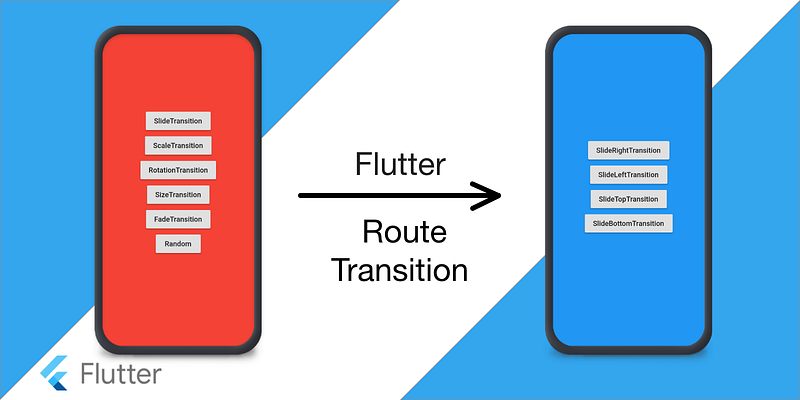
We know how easy it is to navigate from one route to another in Flutter. We just need to do push and pop.
To push:
Navigator.push(
    context,
    MaterialPageRoute(builder: (context) => SecondRoute()),
  );
To pop:
Navigator.pop(context);That’s it. BUT… It’s very boring, there is no animation at all😦.
At Winkl when we started playing with animations we realized that page transition can really make your UI beautiful. If you want to have a slide transition like iOS you use *CupertinoPageRoute.*That’s it, nothing else.
Navigator.push(
    context, CupertinoPageRoute(builder: (context) => Screen2()))
But for custom transition Flutter provides different transition widgets. Let’s see how we can use them.
We know that Navigator.pushtakes two arguments *(BuildContext context, Route<T> route).*We can create our own custom page route with some transition animation. Let’s start with something simple like a slide transition.
Slide Transition
We will extend the PageRouteBuilder and define the transitionsBuilder which will return SlideTransition widget. The SlideTransition widget takes the position of type *Animation<Offset>.*We will use *Tween<Offset>*to give begin and end offset.
import 'package:flutter/material.dart';class SlideRightRoute extends PageRouteBuilder {
final Widget page;
SlideRightRoute({this.page})
: super(
pageBuilder: (
BuildContext context,
Animation
animation,
Animation
secondaryAnimation,
) =>
page,
transitionsBuilder: (
BuildContext context,
Animation
animation,
Animation
secondaryAnimation,
Widget child,
) =>
SlideTransition(
position: Tween
(
begin: const Offset(-1, 0),
end: Offset.zero,
).animate(animation),
child: child,
),
);
}We can now use SlideRightRoute instead of MaterialPageRoutelike this*.*
Navigator.push(context, SlideRightRoute(page: Screen2()))The result is…
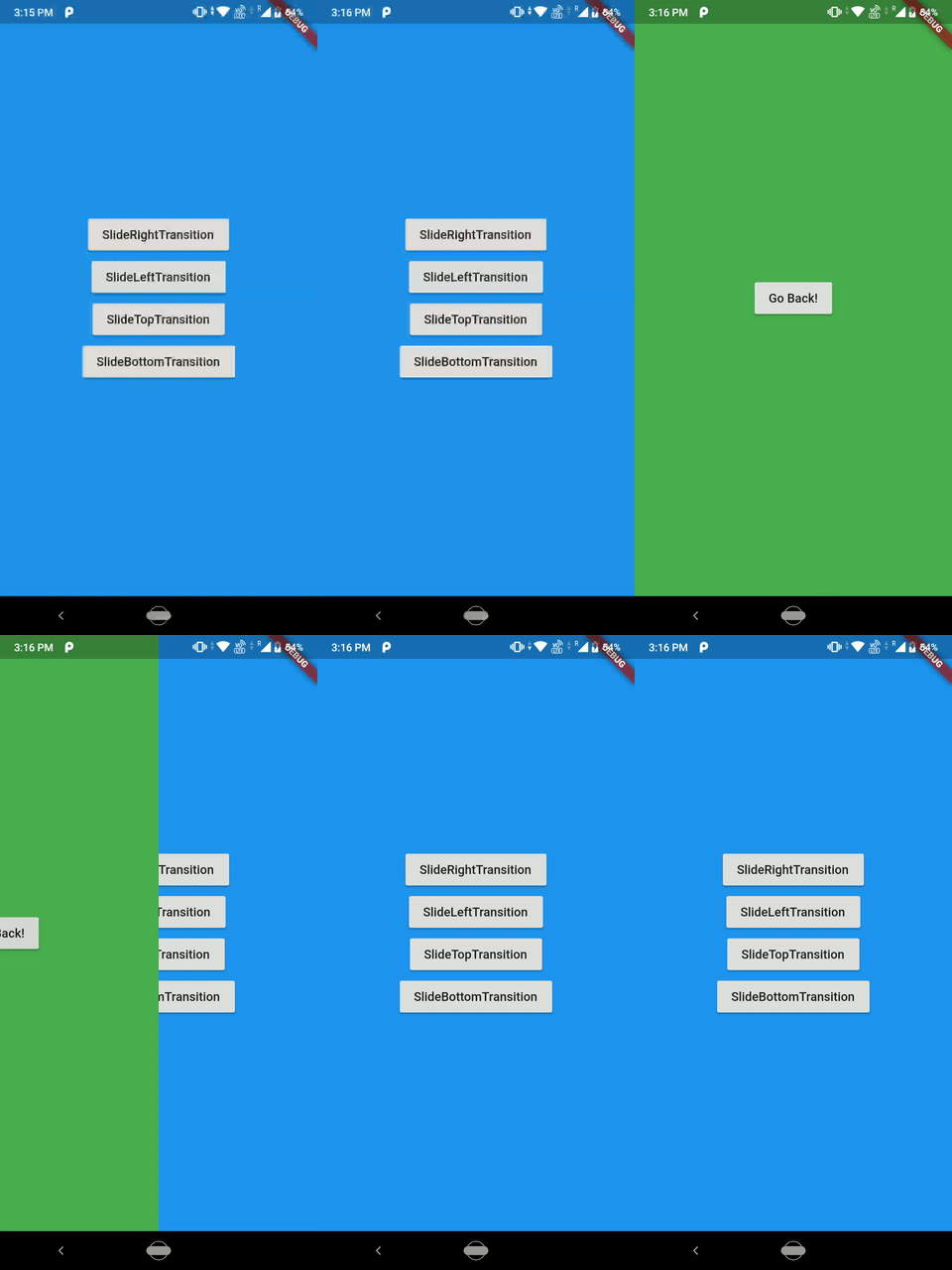
Pretty easy, isn’t it? You can change the direction of the slide transition by changing the offset.
Scale Transition
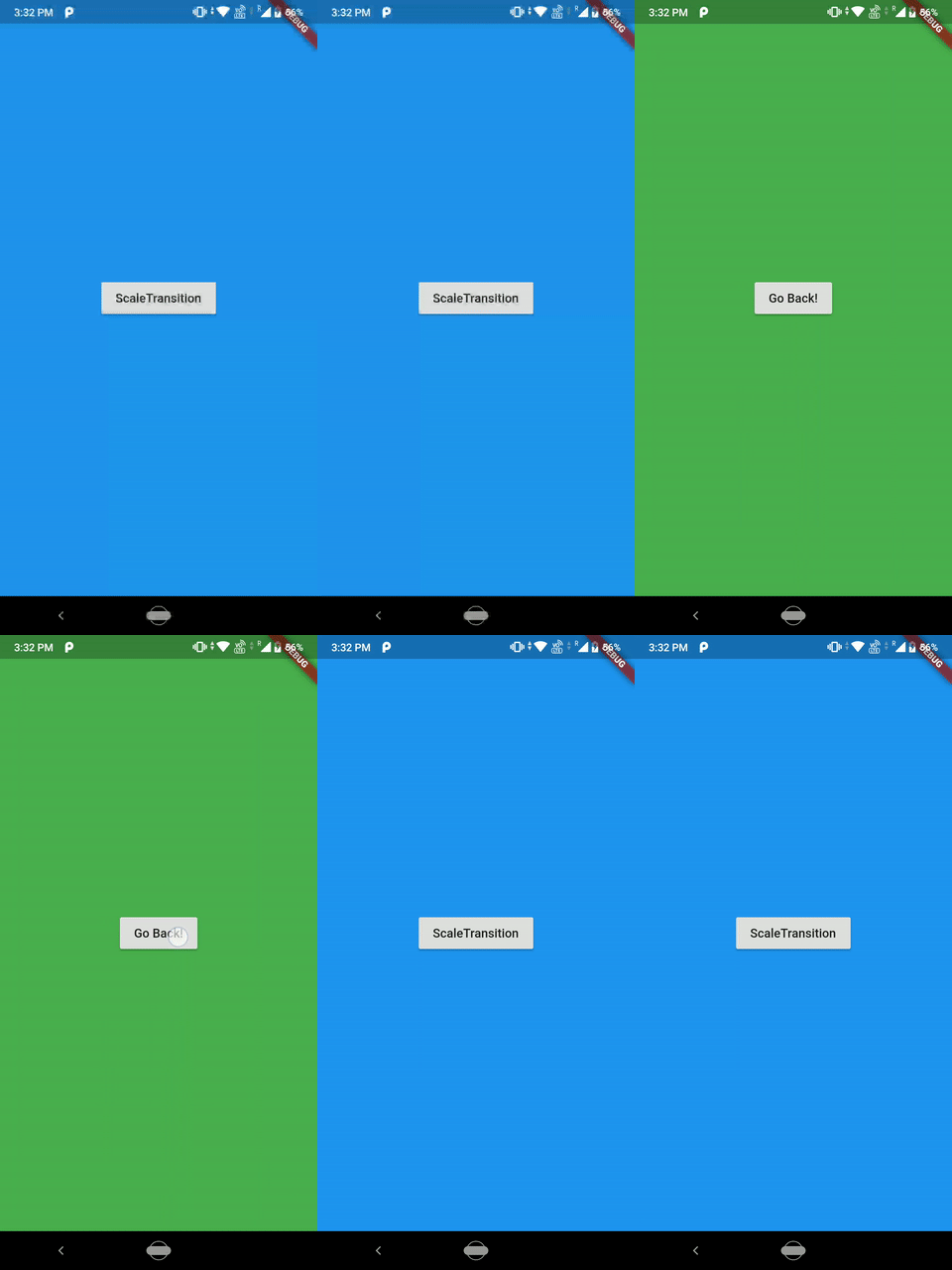
Scale Transition animates the scale of a transformed widget. You can also change how the animation comes in by changing the curves of *CurvedAnimation.*In the below example I have used Curves.fastOutSlowIn.
import 'package:flutter/material.dart';class ScaleRoute extends PageRouteBuilder {
final Widget page;
ScaleRoute({this.page})
: super(
pageBuilder: (
BuildContext context,
Animation
animation,
Animation
secondaryAnimation,
) =>
page,
transitionsBuilder: (
BuildContext context,
Animation
animation,
Animation
secondaryAnimation,
Widget child,
) =>
ScaleTransition(
scale: Tween
(
begin: 0.0,
end: 1.0,
).animate(
CurvedAnimation(
parent: animation,
curve: Curves.fastOutSlowIn,
),
),
child: child,
),
);
}The result is…
Rotation Transition
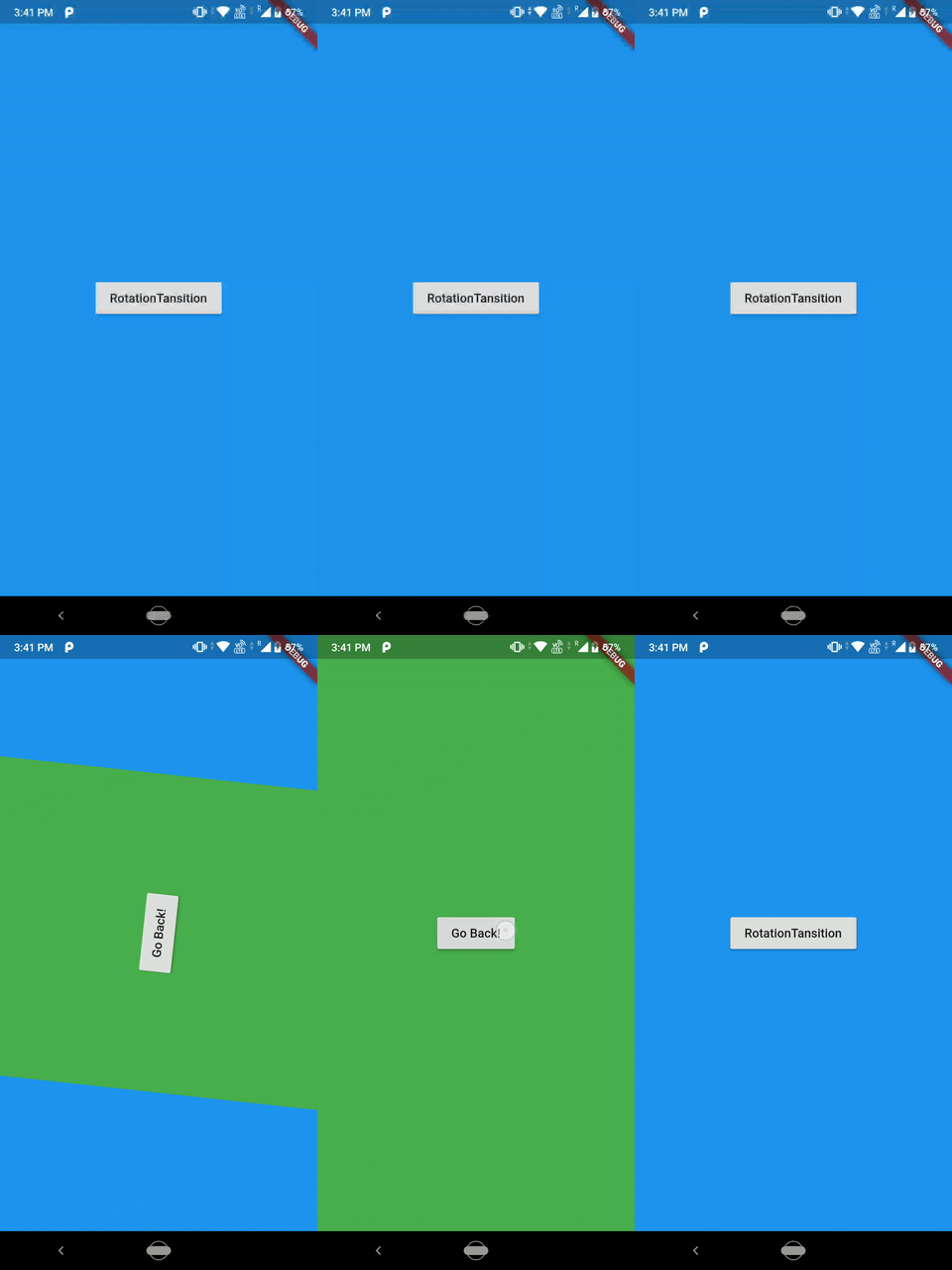
Rotation transition animates the rotation of a widget. You can also provide transitionDurationto your PageRouteBuilder.
import 'package:flutter/material.dart';class RotationRoute extends PageRouteBuilder {
final Widget page;
RotationRoute({this.page})
: super(
pageBuilder: (
BuildContext context,
Animation
animation,
Animation
secondaryAnimation,
) =>
page,
transitionDuration: Duration(seconds: 1),
transitionsBuilder: (
BuildContext context,
Animation
animation,
Animation
secondaryAnimation,
Widget child,
) =>
RotationTransition(
turns: Tween
(
begin: 0.0,
end: 1.0,
).animate(
CurvedAnimation(
parent: animation,
curve: Curves.linear,
),
),
child: child,
),
);
}The result is…
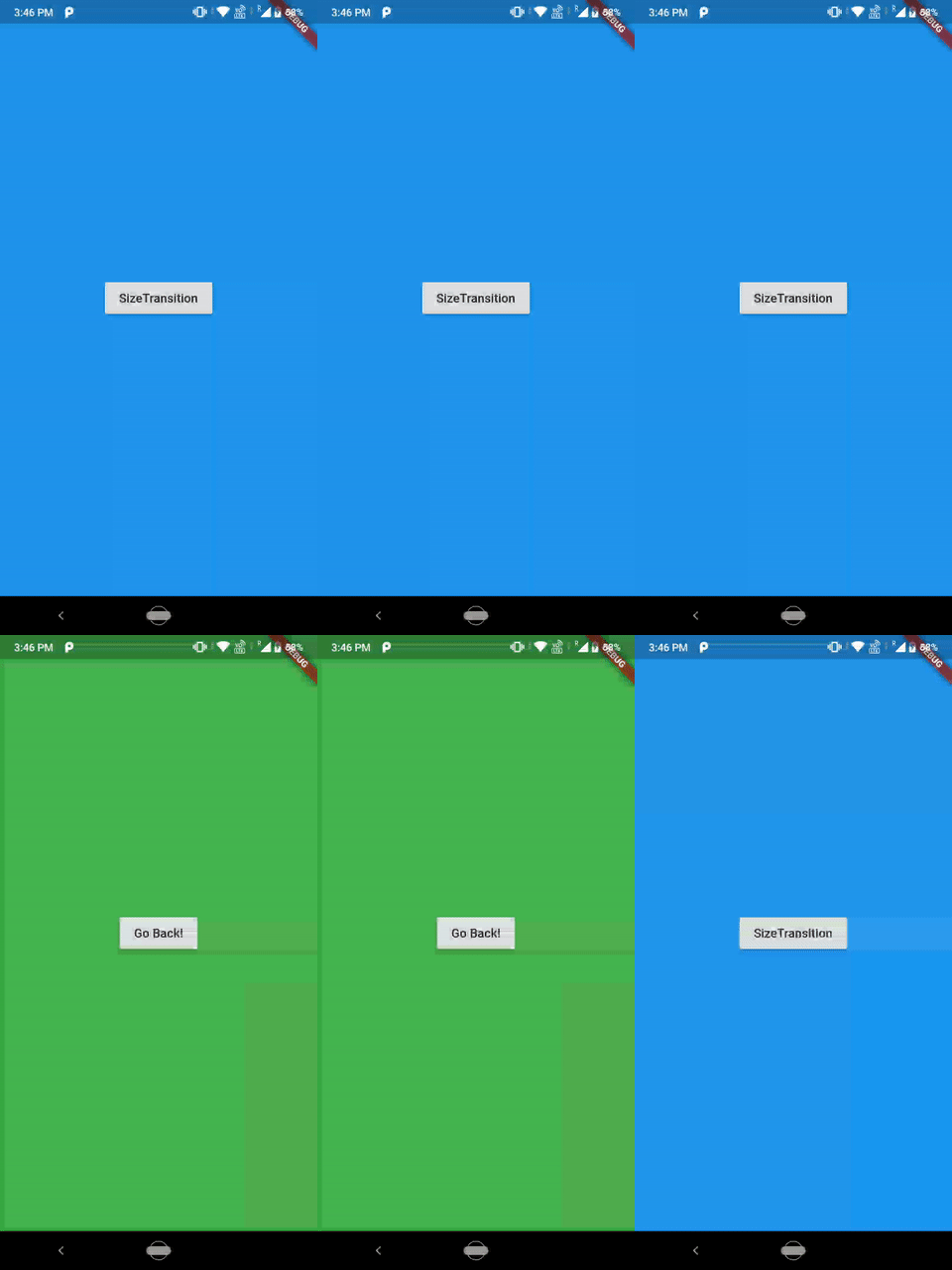
Size Transition
import 'package:flutter/material.dart';class SizeRoute extends PageRouteBuilder {
final Widget page;
SizeRoute({this.page})
: super(
pageBuilder: (
BuildContext context,
Animation
animation,
Animation
secondaryAnimation,
) =>
page,
transitionsBuilder: (
BuildContext context,
Animation
animation,
Animation
secondaryAnimation,
Widget child,
) =>
Align(
child: SizeTransition(
sizeFactor: animation,
child: child,
),
),
);
}The result is…
Fade Transition
import 'package:flutter/material.dart';class FadeRoute extends PageRouteBuilder {
final Widget page;
FadeRoute({this.page})
: super(
pageBuilder: (
BuildContext context,
Animation
animation,
Animation
secondaryAnimation,
) =>
page,
transitionsBuilder: (
BuildContext context,
Animation
animation,
Animation
secondaryAnimation,
Widget child,
) =>
FadeTransition(
opacity: animation,
child: child,
),
);
}The result is…

Great!! We have seen all the basic transitions.
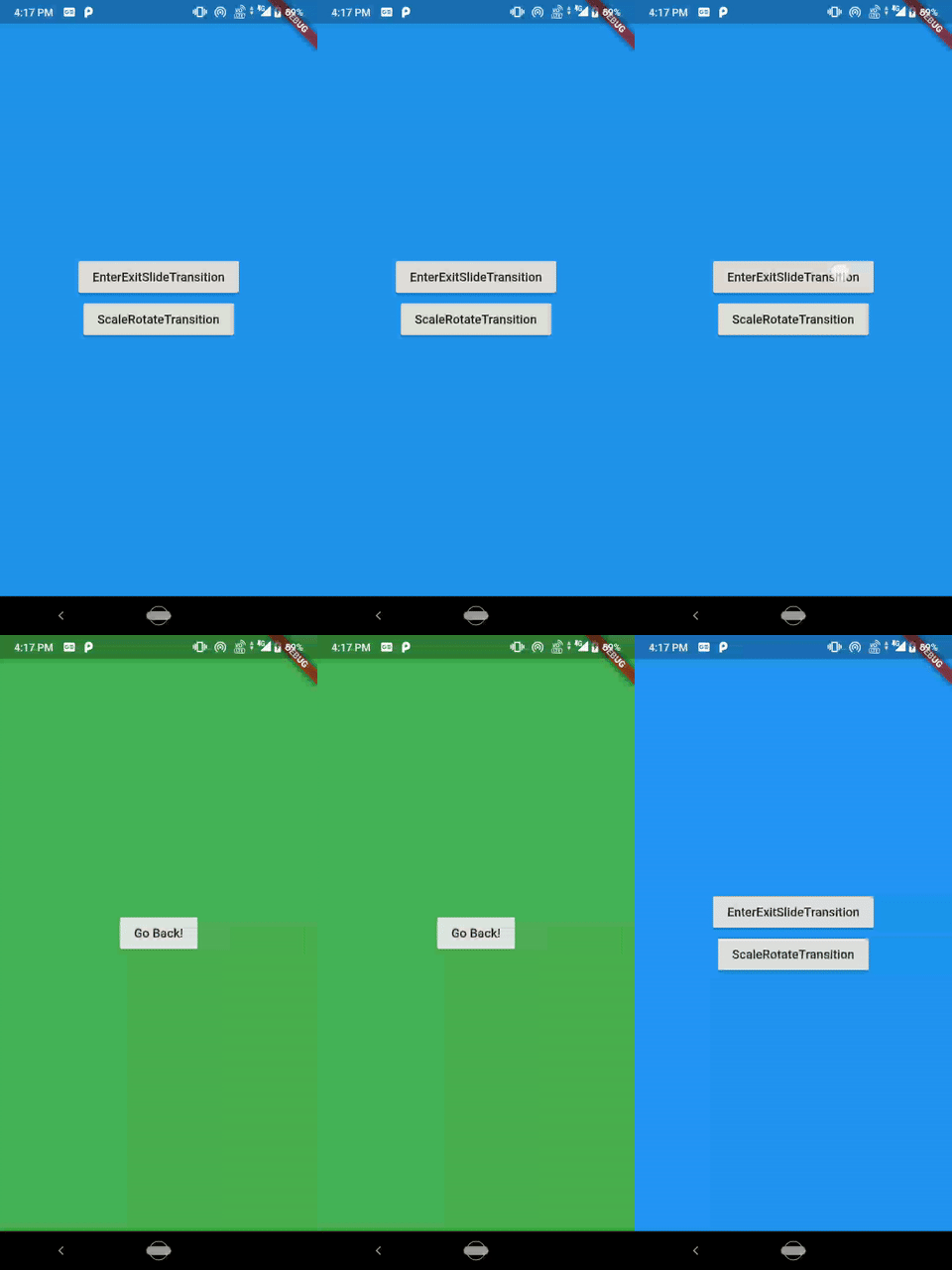
Now let’s do something more advance. What if we want to animate both the routes. The entering route(new page) and the exit route(old page). We can use the stack transition animations and apply it to both the routes. one example of this could be the slide in the new route and slide out the old route. This is my favourite transition animation ❤️. Let’s see how we can do it.
import 'package:flutter/material.dart';class EnterExitRoute extends PageRouteBuilder {
final Widget enterPage;
final Widget exitPage;
EnterExitRoute({this.exitPage, this.enterPage})
: super(
pageBuilder: (
BuildContext context,
Animation
animation,
Animation
secondaryAnimation,
) =>
enterPage,
transitionsBuilder: (
BuildContext context,
Animation
animation,
Animation
secondaryAnimation,
Widget child,
) =>
Stack(
children:
[
SlideTransition(
position: new Tween
(
begin: const Offset(0.0, 0.0),
end: const Offset(-1.0, 0.0),
).animate(animation),
child: exitPage,
),
SlideTransition(
position: new Tween
(
begin: const Offset(1.0, 0.0),
end: Offset.zero,
).animate(animation),
child: enterPage,
)
],
),
);
}And use it like this.
Navigator.push(context,
    EnterExitRoute(exitPage: this, enterPage: Screen2()))
And the result is…
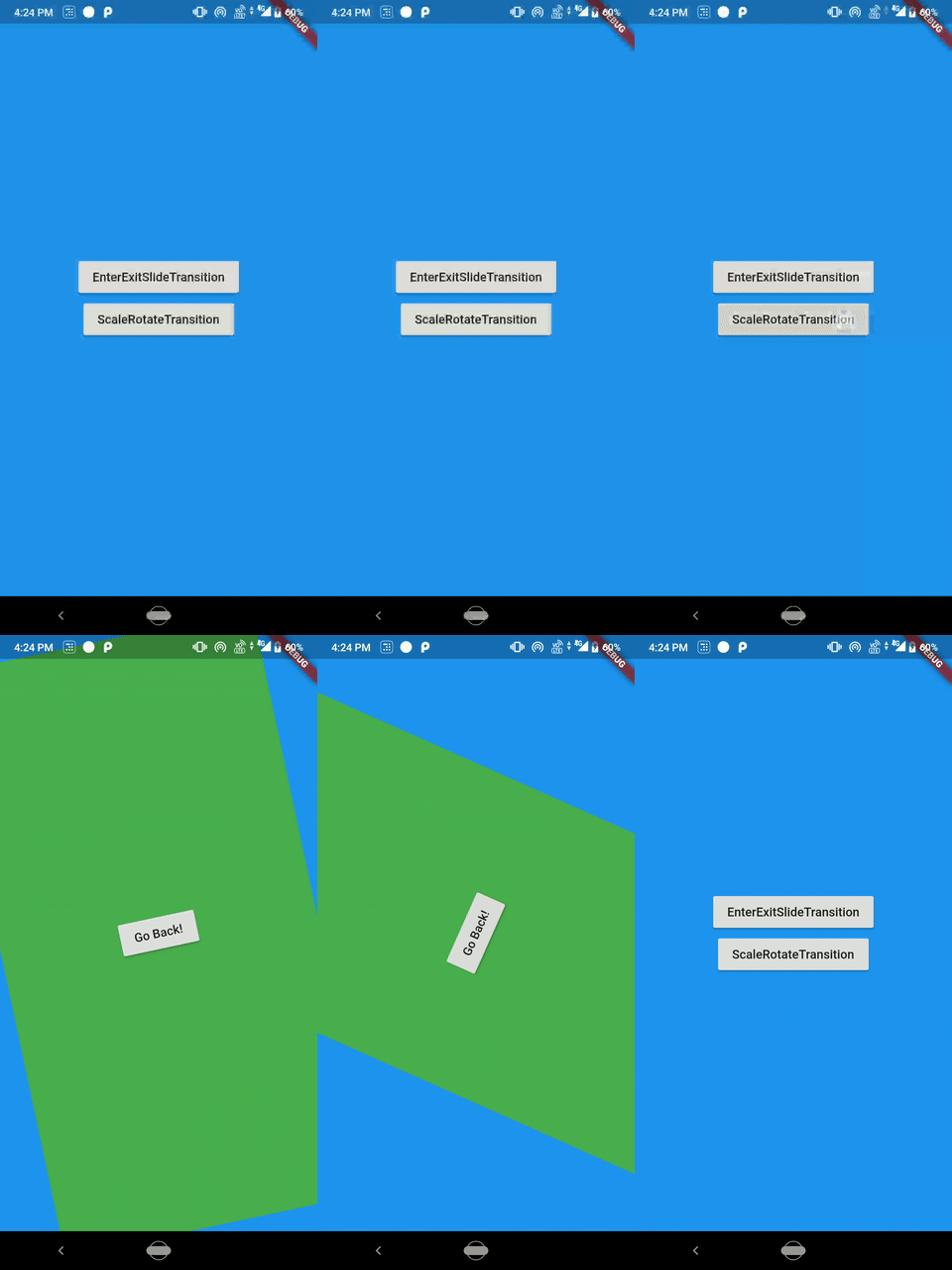
We can also combine more than one transition to create something awesome like scale and rotate at the same time. First, there is a ScaleTransition, child of it is RotationTransition and it’s child is the page.
import 'package:flutter/material.dart';class ScaleRotateRoute extends PageRouteBuilder {
final Widget page;
ScaleRotateRoute({this.page})
: super(
pageBuilder: (
BuildContext context,
Animation
animation,
Animation
secondaryAnimation,
) =>
page,
transitionDuration: Duration(seconds: 1),
transitionsBuilder: (
BuildContext context,
Animation
animation,
Animation
secondaryAnimation,
Widget child,
) =>
ScaleTransition(
scale: Tween
(
begin: 0.0,
end: 1.0,
).animate(
CurvedAnimation(
parent: animation,
curve: Curves.fastOutSlowIn,
),
),
child: RotationTransition(
turns: Tween
(
begin: 0.0,
end: 1.0,
).animate(
CurvedAnimation(
parent: animation,
curve: Curves.linear,
),
),
child: child,
),
),
);
}And the result is…
Great job guys! This is everything you need to know about the route transition animation in Flutter. Try to combine some transition and make something great. If you make something great, don’t forget to share it with me. All the source code is here on GitHub repo.
If you liked this article make sure to 👏 it below, and connect with me on Twitter, Github and LinkedIn.